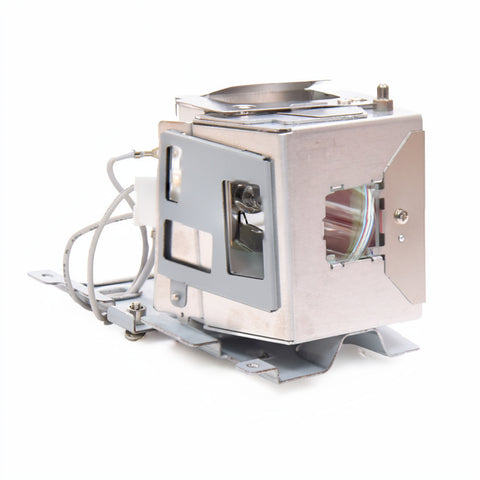
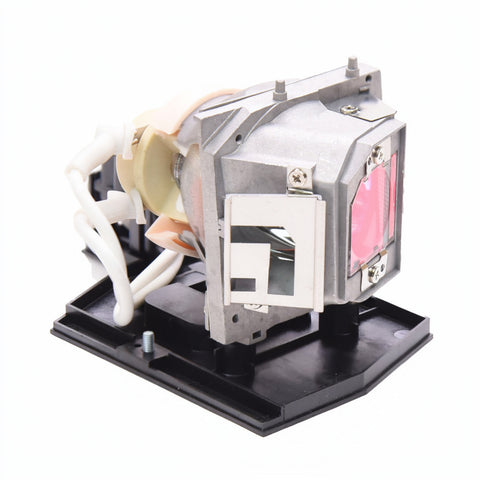
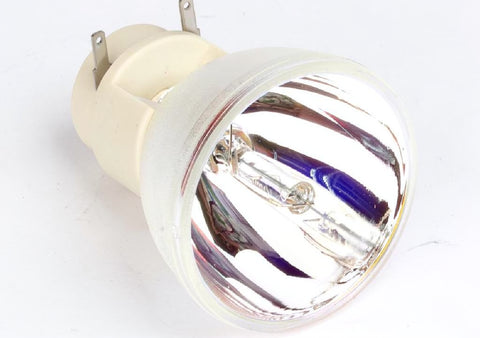
MC.JPC11.002 bare projector lamp
We confirm the delivered price for United Arab Emirates on a formal quote, including shipping, duties where we can prepay them, and the correct local warranty terms.
The Acer H7850, M550, V6815 and V7850 all share the same lamp specification, MC.JPC11.002, supplied here as a bare bulb. These four models sit in Acer's home cinema range, and each takes the identical part despite the differing model names.
As a bare lamp, MC.JPC11.002 is designed to go into the housing your projector already has, so check that housing for cracks or a loose socket before ordering. If you are replacing a lamp for the first time and are unsure of your housing's condition, the module version would remove that uncertainty.
Identification
Electrical
Supply
Grouped by brand. Every model below takes this same lamp. Tap one for its model page.
The same physical lamp is sold under these codes. If the code on your old lamp, its housing or the manual matches any of them, this is the correct replacement.
180-day guarantee
If the lamp fails or dims badly within six months of delivery, choose a replacement or a full refund.
Fits, or the return is free
Order against your projector model. If it still doesn't fit, we pay the return label.
30-day returns
Unused lamps in original packaging, no restocking fee. Read the terms
Common questions.
Do all four listed Acer models use the same lamp?
Yes, the H7850, M550, V6815 and V7850 all take MC.JPC11.002, so one part covers every model listed here, without any variation in specification between the four.
The MC.JPC11.002 photo looks generic — does that affect what's actually shipped?
No. No individual photograph of this lamp is available, so a generic image is shown; the bulb supplied still matches the MC.JPC11.002 specification described for these four Acer projectors.
What should I check before fitting a bare bulb?
Check your existing housing for cracks, scorch marks or a loose socket before fitting MC.JPC11.002, since a damaged housing calls for the module version instead.
How do I reset the lamp timer after installation?
Look for a lamp reset function within your Acer projector's on-screen service menu, usually available once the new bulb is fitted and the unit has been powered on.
Is there a module version of MC.JPC11.002 available?
Yes, a complete module version is also available for these same four Acer models, which includes a new housing along with the bulb, worth choosing if your existing housing is damaged.
Lamps often confused with this one.
All 213 Acer lamps →Codes in the same family often differ by a single character, so check the part number against your old lamp before ordering.