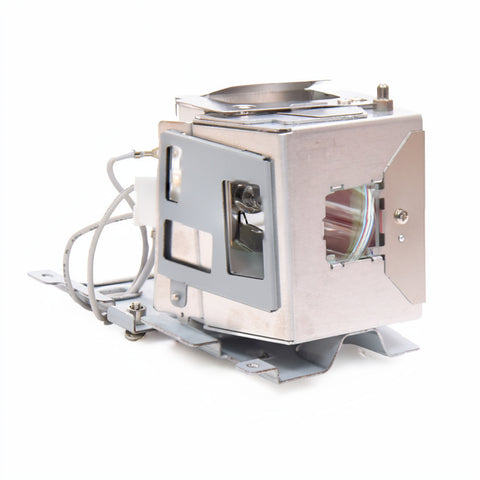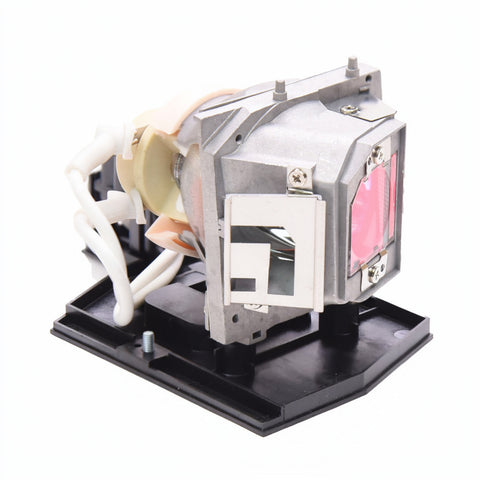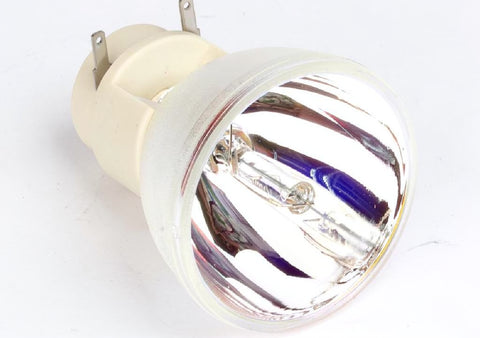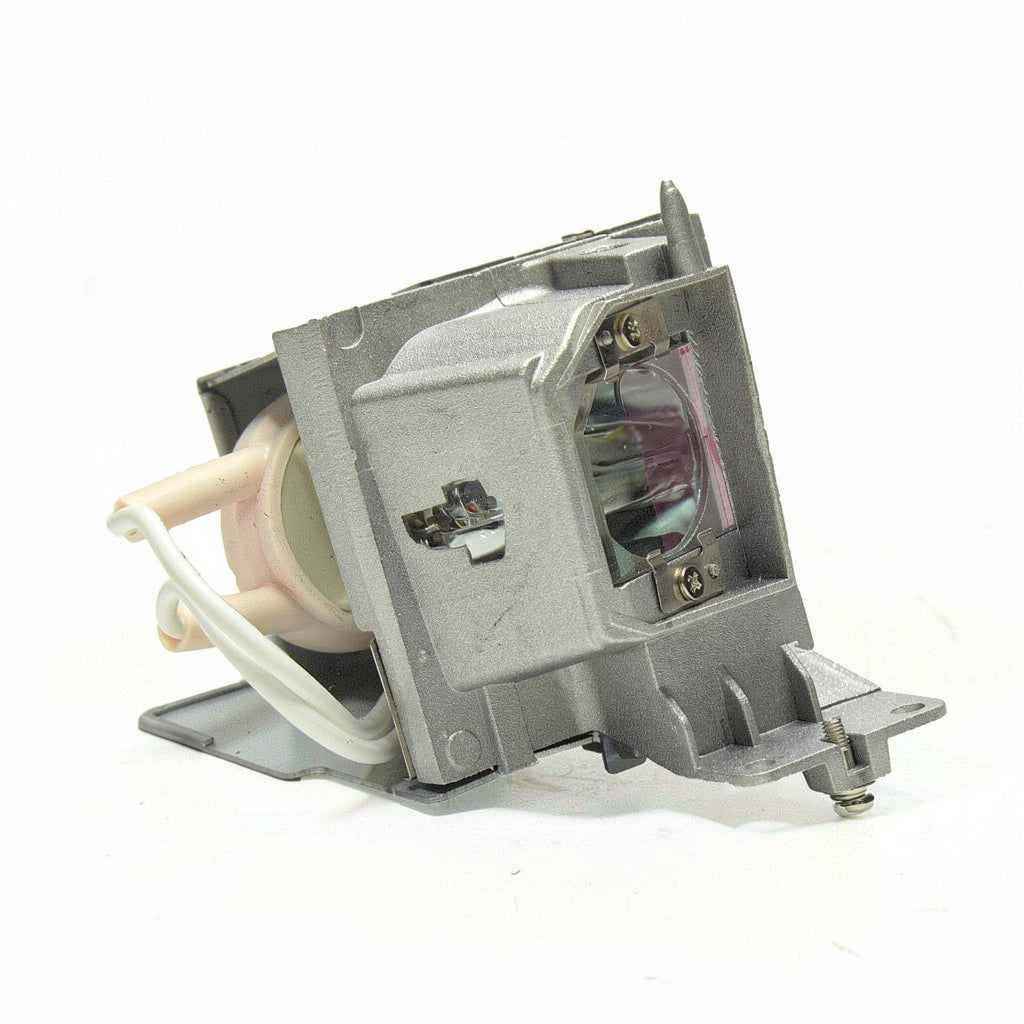
MC.JMV11.001 Projector Lamp with Module
We confirm the delivered price for United Arab Emirates on a formal quote, including shipping, duties where we can prepay them, and the correct local warranty terms.
MC.JMV11.001 is a complete lamp and housing module for a group of Acer projectors, including the H5382BD, P1186, P1286 and P1386W. Since it is supplied as a full assembly, it replaces both the bulb and the surrounding cage in one piece, so there is nothing to transfer from your old unit.
This same lamp has been sold under a long list of other codes, among them AS328, F14S, M305 and PE-S44, so if your old module is marked with one of those instead of MC.JMV11.001, it is very likely the identical part. Match the code on your old module against your projector's exact model before ordering.
Identification
Electrical
Supply
Grouped by brand. Every model below takes this same lamp. Tap one for its model page.
The same physical lamp is sold under these codes. If the code on your old lamp, its housing or the manual matches any of them, this is the correct replacement.
180-day guarantee
If the lamp fails or dims badly within six months of delivery, choose a replacement or a full refund.
Fits, or the return is free
Order against your projector model. If it still doesn't fit, we pay the return label.
30-day returns
Unused lamps in original packaging, no restocking fee. Read the terms
Common questions.
My old lamp is marked F14S, not MC.JMV11.001. Is this the right part?
Yes. F14S is one of several alternative codes for this same lamp, alongside AS328, AW328, AX328, F14W, F14X, M305, M315, M325, PE-S44, PE-W44 and PE-X44. They all describe the identical module.
Which Acer projectors does this lamp fit?
It fits the Acer H5382BD, P1186, P1286, P1286 (MR.JMW11.001), P1386 and P1386W. Confirm your exact model on the projector's rating label before ordering, since Acer's P-Series covers several similar units.
Does the MC.JMV11.001 need any assembly before it goes into an Acer P1186?
None. This is a full lamp module, so the bulb arrives already mounted in its housing, ready to be fitted as one piece rather than assembled from separate parts.
How do I fit the new module into my Acer projector?
Power down and unplug the projector and allow it to cool, then open the lamp access panel, usually secured with a screw or two, remove the old module and slide the new one into place before closing the panel.
Why does this listing show so many part numbers?
Acer projector lamps were resold and rebranded under different reference codes over the years. Listing them together helps you match your old part, whatever code happens to be printed on it, to the correct replacement.
Lamps often confused with this one.
All 213 Acer lamps →Codes in the same family often differ by a single character, so check the part number against your old lamp before ordering.