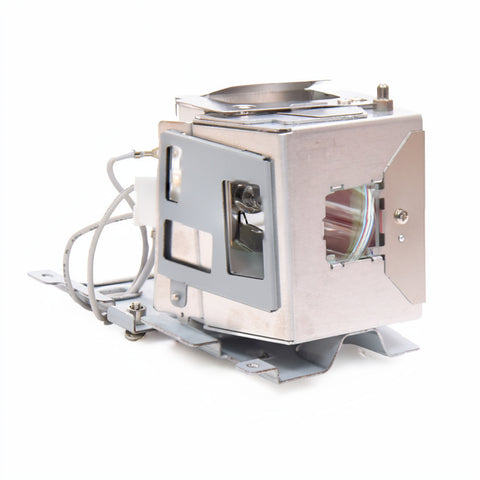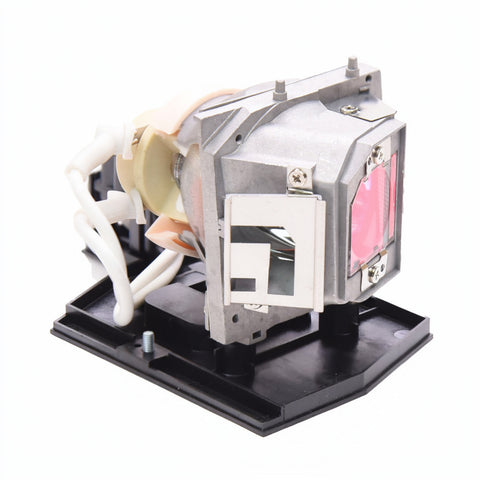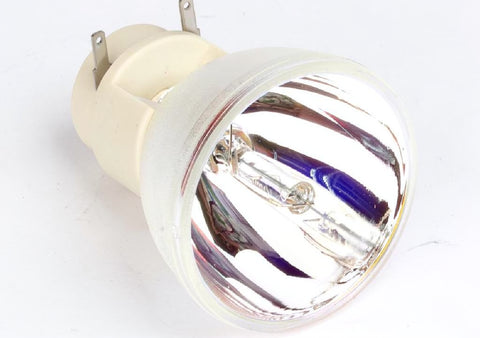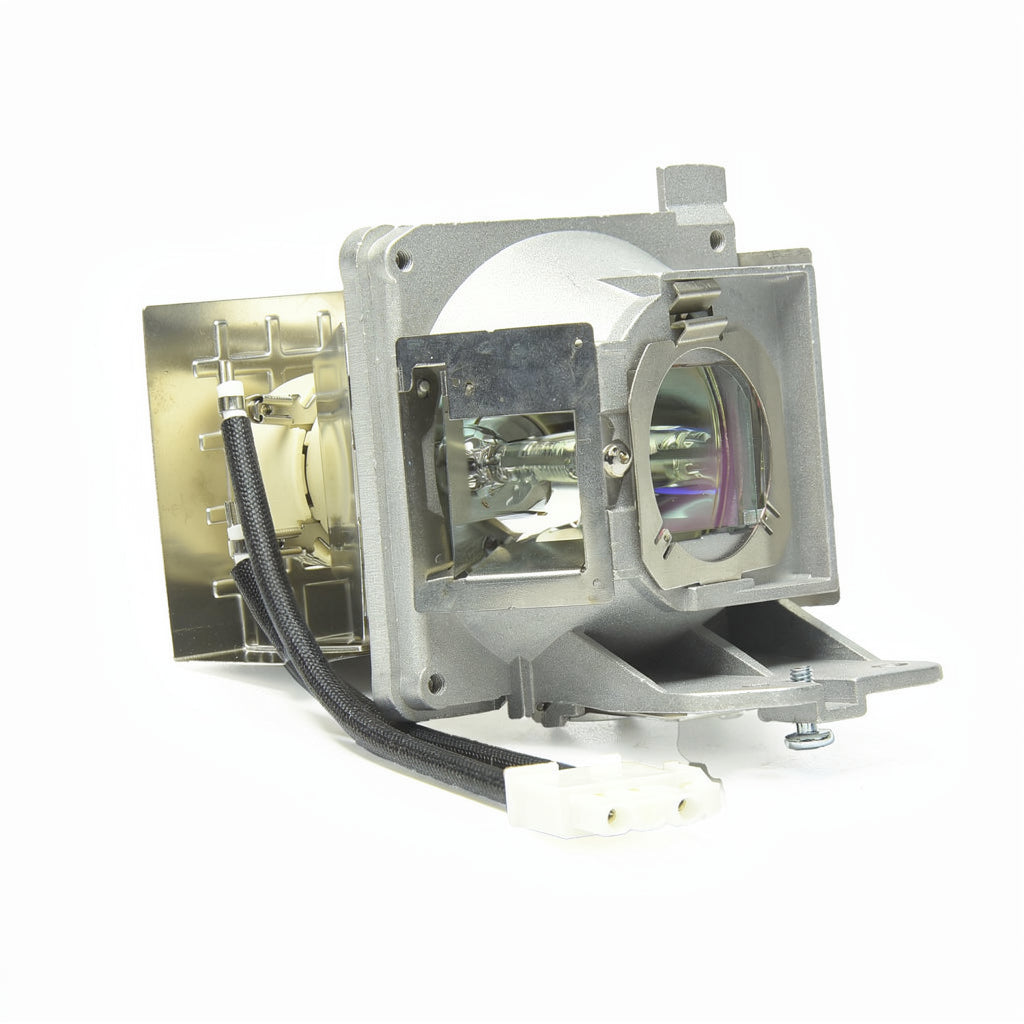
MC.JM911.001 projector lamp with module
We confirm the delivered price for United Arab Emirates on a formal quote, including shipping, duties where we can prepay them, and the correct local warranty terms.
H6502BD and H6518BD share one lamp module, MC.JM911.001, according to our records. It arrives as a complete unit, bulb and housing together, so replacing it is a case of removing the existing module and fitting this one, without needing to handle a loose bulb separately.
This same module is also referenced as MR.JM911.00C in some documentation, though we stock and list it under MC.JM911.001. Because it ships as a full module, no separate housing purchase is required. Check your projector's exact model designation, H6502BD or H6518BD, before placing your order.
Identification
Electrical
Supply
Grouped by brand. Every model below takes this same lamp. Tap one for its model page.
The same physical lamp is sold under these codes. If the code on your old lamp, its housing or the manual matches any of them, this is the correct replacement.
180-day guarantee
If the lamp fails or dims badly within six months of delivery, choose a replacement or a full refund.
Fits, or the return is free
Order against your projector model. If it still doesn't fit, we pay the return label.
30-day returns
Unused lamps in original packaging, no restocking fee. Read the terms
Common questions.
What is MR.JM911.00C in relation to this lamp?
It is an alternative reference for the identical module we stock as MC.JM911.001. Both codes describe the same complete unit, so either one confirms you have found the right part.
Are the H6502BD and H6518BD the same projector?
We cannot say how Acer distinguished these two models internally, only that both are listed against the same MC.JM911.001 module on our records, meaning the lamp fits either one.
Does this module come with the bulb already fitted?
Yes, the bulb arrives seated inside its housing as one complete unit. You do not need to fit a separate bulb into the module yourself before installing it.
How do I access the lamp compartment on these models?
Most H-series Acer projectors release the lamp module through an access panel on the underside or side of the case, generally secured with a captive screw. Check your specific model's manual for the exact location.
What's a reasonable point to consider replacing this module?
Once picture brightness drops noticeably, colours look washed out, or the projector shows a lamp warning, it is generally time to replace the module rather than wait for it to fail completely.
Lamps often confused with this one.
All 213 Acer lamps →Codes in the same family often differ by a single character, so check the part number against your old lamp before ordering.