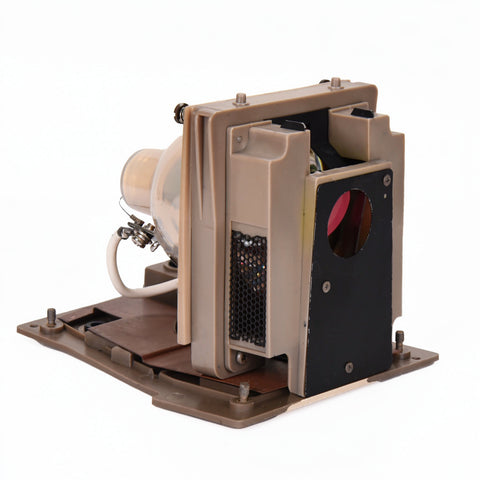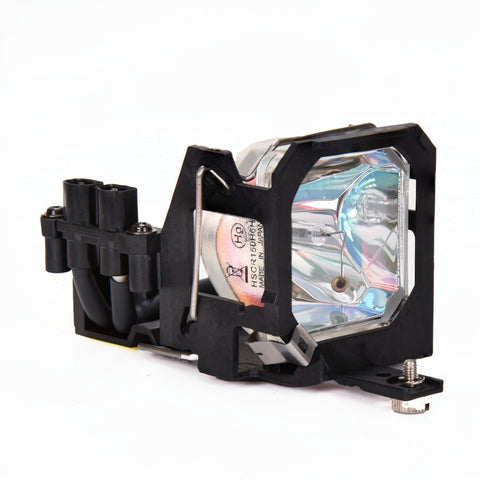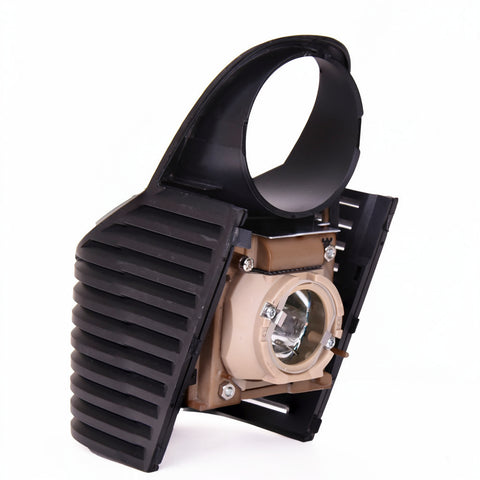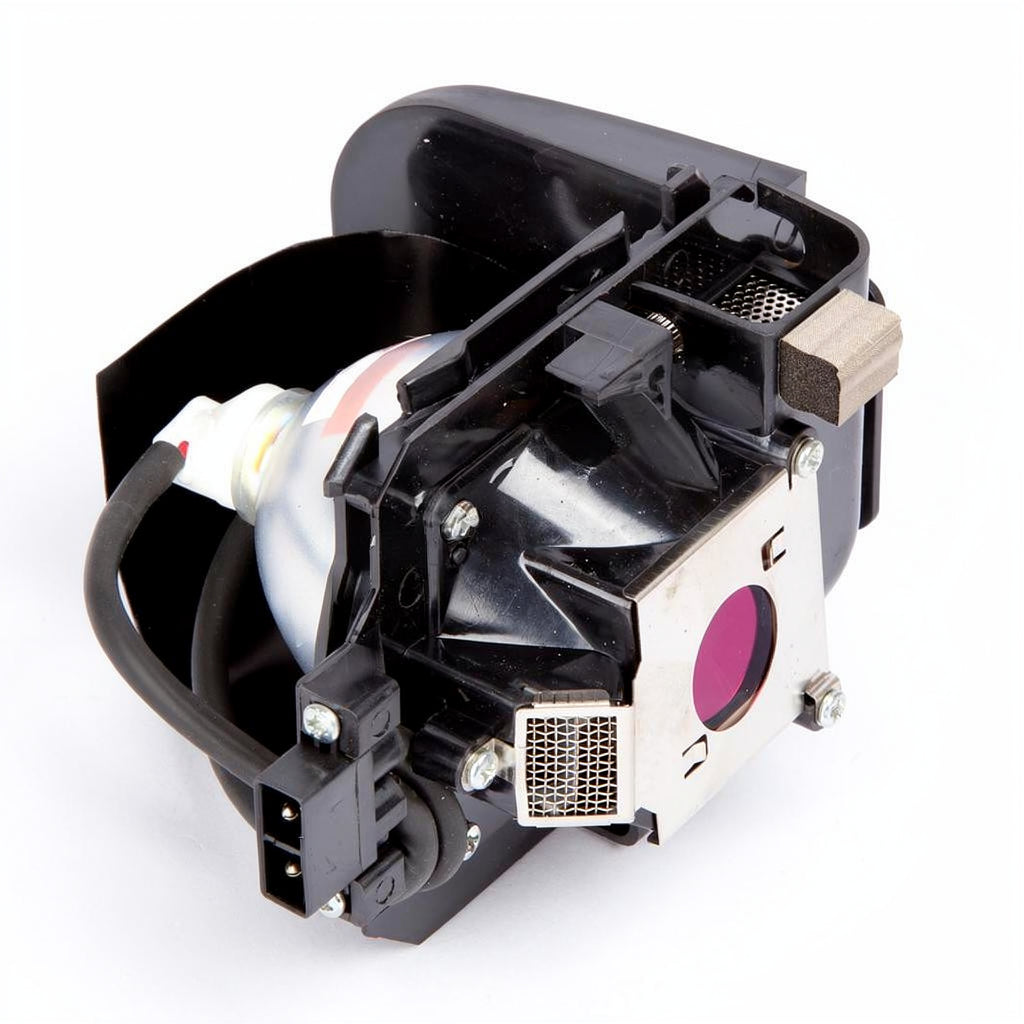
L1731A Projector Lamp with Module
We confirm the delivered price for United Arab Emirates on a formal quote, including shipping, duties where we can prepay them, and the correct local warranty terms.
Nine HP projectors, from EP7100 through to EP9031, share this single lamp module, L1731A. It covers the EP7100, EP7110, EP7112, EP7120 and EP7122, along with the EP9000, EP9010, EP9012 and EP9031, and arrives as a complete unit with housing and connector already fitted.
Because nine model numbers sit behind one part, it is worth confirming the exact model printed on your HP projector before ordering, even though L1731A will fit any of them - the EP7100 range and the EP9000 range use the identical lamp compartment throughout.
Identification
Electrical
Supply
Grouped by brand. Every model below takes this same lamp. Tap one for its model page.
The same physical lamp is sold under these codes. If the code on your old lamp, its housing or the manual matches any of them, this is the correct replacement.
180-day guarantee
If the lamp fails or dims badly within six months of delivery, choose a replacement or a full refund.
Fits, or the return is free
Order against your projector model. If it still doesn't fit, we pay the return label.
30-day returns
Unused lamps in original packaging, no restocking fee. Read the terms
Common questions.
Which HP projectors take the L1731A module?
It fits nine models: the EP7100, EP7110, EP7112, EP7120, EP7122, EP9000, EP9010, EP9012 and EP9031, all of which share the same lamp compartment and module.
Does L1731A include the housing?
Yes, it is supplied as a complete module with the lamp fitted into its own cage and connector, so the whole assembly is exchanged in one step.
Why does this listing not show a wattage or lamp life?
We only state figures we can confirm for each part, and no wattage or rated-hours record exists for L1731A, so we describe fit and type rather than an estimated number.
How do I know which of the nine models I have?
Check the model plate on your HP projector, which will read one of EP7100, EP7110, EP7112, EP7120, EP7122, EP9000, EP9010, EP9012 or EP9031, and order L1731A against it.
Once L1731A is fitted, how do I get the projector to show a fresh lamp count?
Open the on-screen menu on your HP projector, find the lamp or maintenance section, and select the reset option so hour tracking begins again from the new module.
Lamps often confused with this one.
All 40 HP lamps →Codes in the same family often differ by a single character, so check the part number against your old lamp before ordering.