
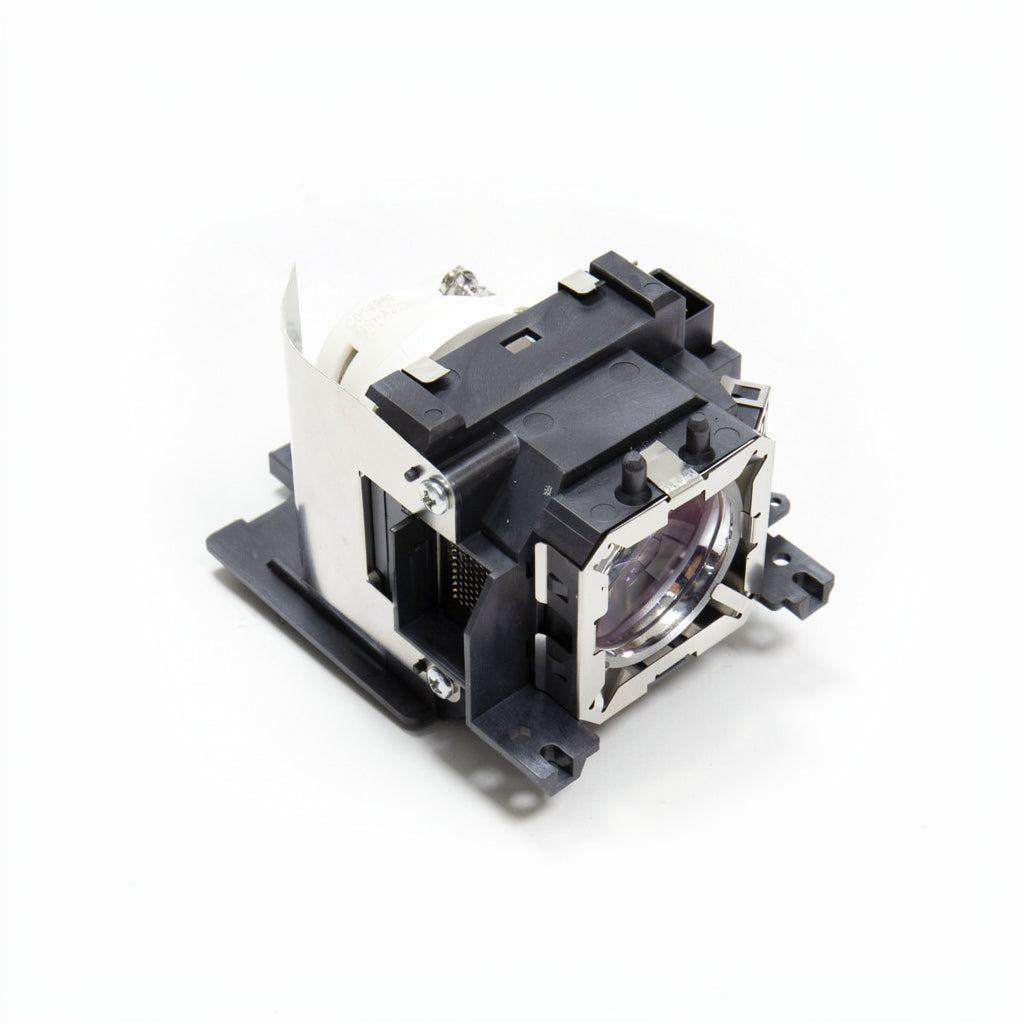
ET-LAV300 projector lamp with module
We confirm the delivered price for United Arab Emirates on a formal quote, including shipping, duties where we can prepay them, and the correct local warranty terms.
Panasonic's VW340, VX410 and VX42 series projectors share this module across their standard, networked and higher-brightness Z variants, twenty-eight models in total. It comes as a complete lamp and housing assembly, so it fits straight into the existing lamp bay without needing a separate reused housing.
The Z-suffix models such as PT-VW340Z and PT-VX410Z are brighter versions of the same body and take the same lamp, listed here under the alternative codes PT-VW340ZU, PT-VX345NZU, PT-VX410ZU, PT-VX415NZU and PT-VX420U. Whichever variant you own, ET-LAV300 is the single part reference to order.
Identification
Electrical
Supply
Grouped by brand. Every model below takes this same lamp. Tap one for its model page.
Panasonic (33)
The same physical lamp is sold under these codes. If the code on your old lamp, its housing or the manual matches any of them, this is the correct replacement.
180-day guarantee
If the lamp fails or dims badly within six months of delivery, choose a replacement or a full refund.
Fits, or the return is free
Order against your projector model. If it still doesn't fit, we pay the return label.
30-day returns
Unused lamps in original packaging, no restocking fee. Read the terms
Common questions.
Do the brighter Z models need a different lamp?
No, the Z-suffix versions such as PT-VW340Z and PT-VX410Z use the same lamp module as the standard models; the brightness difference comes from the projector's optics and settings, not a different bulb.
Is PT-VX425NJ covered by this listing?
Yes, PT-VX425NJ is part of the VX42 family this module fits, along with PT-VX425N and the wider VX410 and VX42 range, so no separate part is needed for that particular variant.
How many projector models does one ET-LAV300 cover?
This single lamp module fits twenty-eight listed models across the VW340, VX410 and VX42 families, since Panasonic built these on a shared platform with regional and networked variants of each.
What should I check before fitting a new module myself?
Make sure the projector is unplugged and given time to cool, then release the lamp door as described in your projector's manual before removing the old module and fitting the replacement in the same orientation.
Why does my projector still show a lamp warning after I fit a new one?
The warning is usually tied to the old lamp's hour count, which needs resetting through the projector's own menu after installation; the module itself does not clear that counter automatically.
Lamps often confused with this one.
All 126 Panasonic lamps →Codes in the same family often differ by a single character, so check the part number against your old lamp before ordering.


