
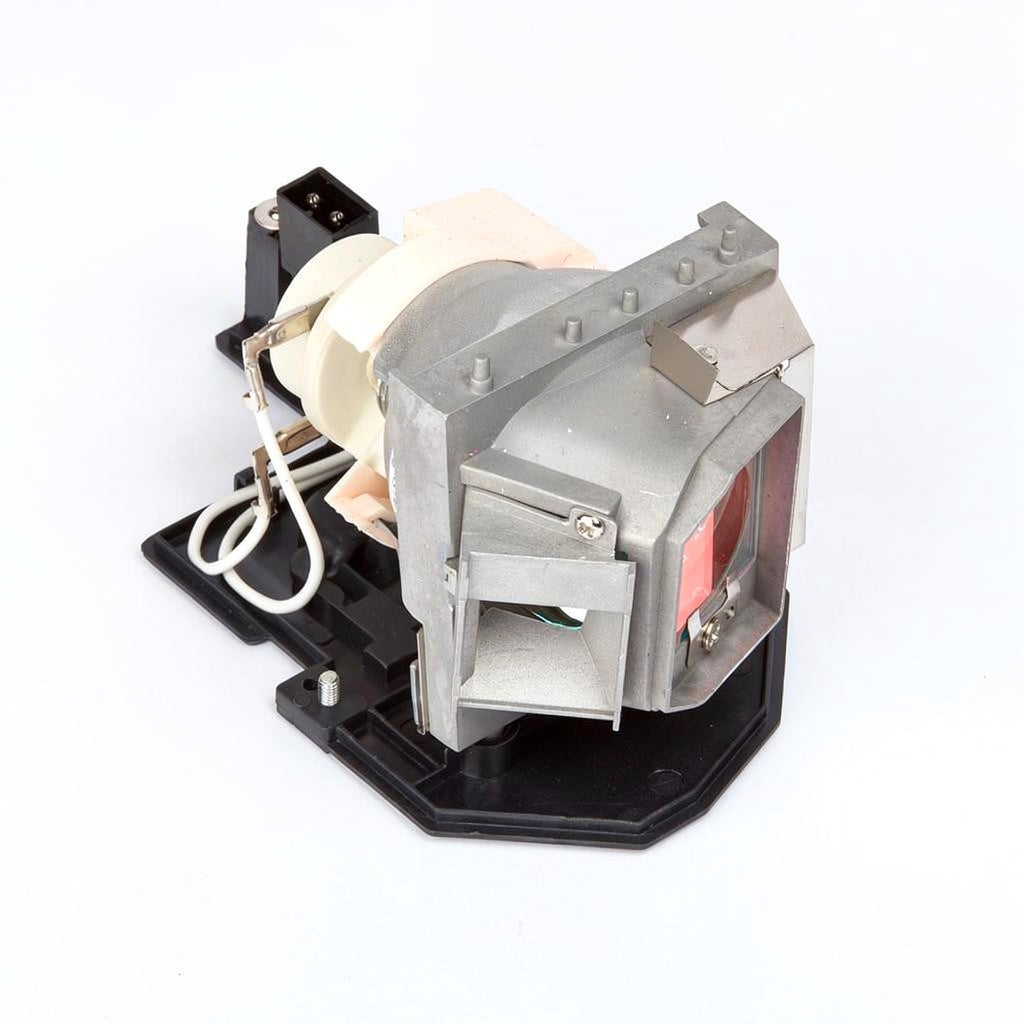
BL-FP240C projector lamp with module
We confirm the delivered price for United Arab Emirates on a formal quote, including shipping, duties where we can prepay them, and the correct local warranty terms.
Three of Optoma's short-throw classroom projectors, the OP268ST, W306ST and X306ST, share the BL-FP240C lamp module. Short-throw models like these sit close to the screen while still filling it, and this lamp arrives complete with housing for a direct swap.
Optoma also lists this same lamp as SP.8TU01GC01, so either code on your old unit or in the projector documentation confirms the match. Because this is a module version, there is no need to reuse an old housing; you fit the whole replacement assembly as one piece.
Identification
Electrical
Supply
Grouped by brand. Every model below takes this same lamp. Tap one for its model page.
The same physical lamp is sold under these codes. If the code on your old lamp, its housing or the manual matches any of them, this is the correct replacement.
180-day guarantee
If the lamp fails or dims badly within six months of delivery, choose a replacement or a full refund.
Fits, or the return is free
Order against your projector model. If it still doesn't fit, we pay the return label.
30-day returns
Unused lamps in original packaging, no restocking fee. Read the terms
Common questions.
What is a short-throw projector, and does it matter for this lamp?
A short-throw projector like the OP268ST, W306ST or X306ST is designed to project a large image from close range. The lamp itself works the same way as any other Optoma module, so short-throw only describes the projector, not the bulb.
Is SP.8TU01GC01 the same lamp as BL-FP240C?
Yes, they are the same part listed under two codes. Either reference confirms fitment for the OP268ST, W306ST or X306ST, so check your old lamp's label against both before ordering.
Which of the three projectors does this lamp suit best?
It is the identical module across all three: the OP268ST, W306ST and X306ST. There is no difference in the lamp between them, only in the projector's own features.
Will the projector show a warning until I reset the lamp counter?
Many Optoma classroom projectors continue to show a lamp warning until the counter is reset from the on-screen menu after a new module is fitted, so check the maintenance settings once installation is complete.
Can I fit this lamp myself in a classroom setting?
Yes. The compartment on the OP268ST, W306ST and X306ST opens from an external panel, so switching the module does not require dismantling the projector, though it should always be powered off and cooled first.
Lamps often confused with this one.
All 263 Optoma lamps →Codes in the same family often differ by a single character, so check the part number against your old lamp before ordering.


