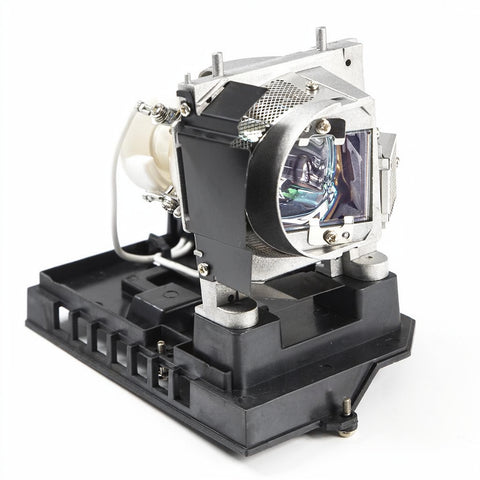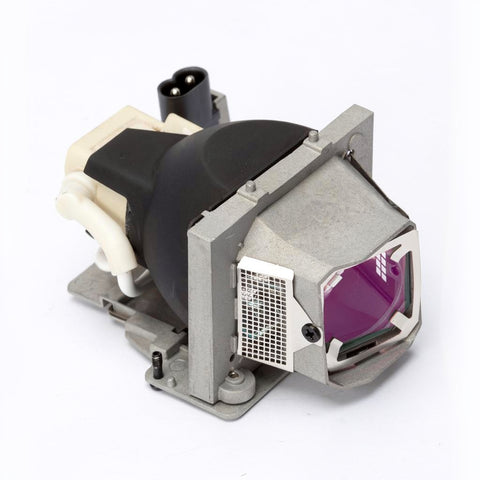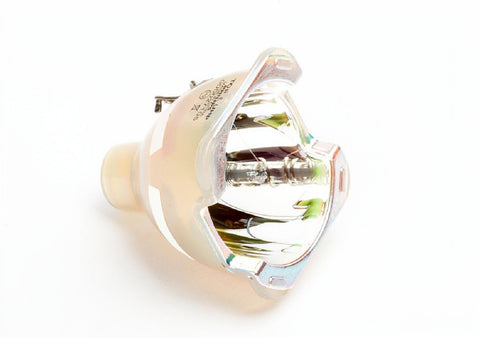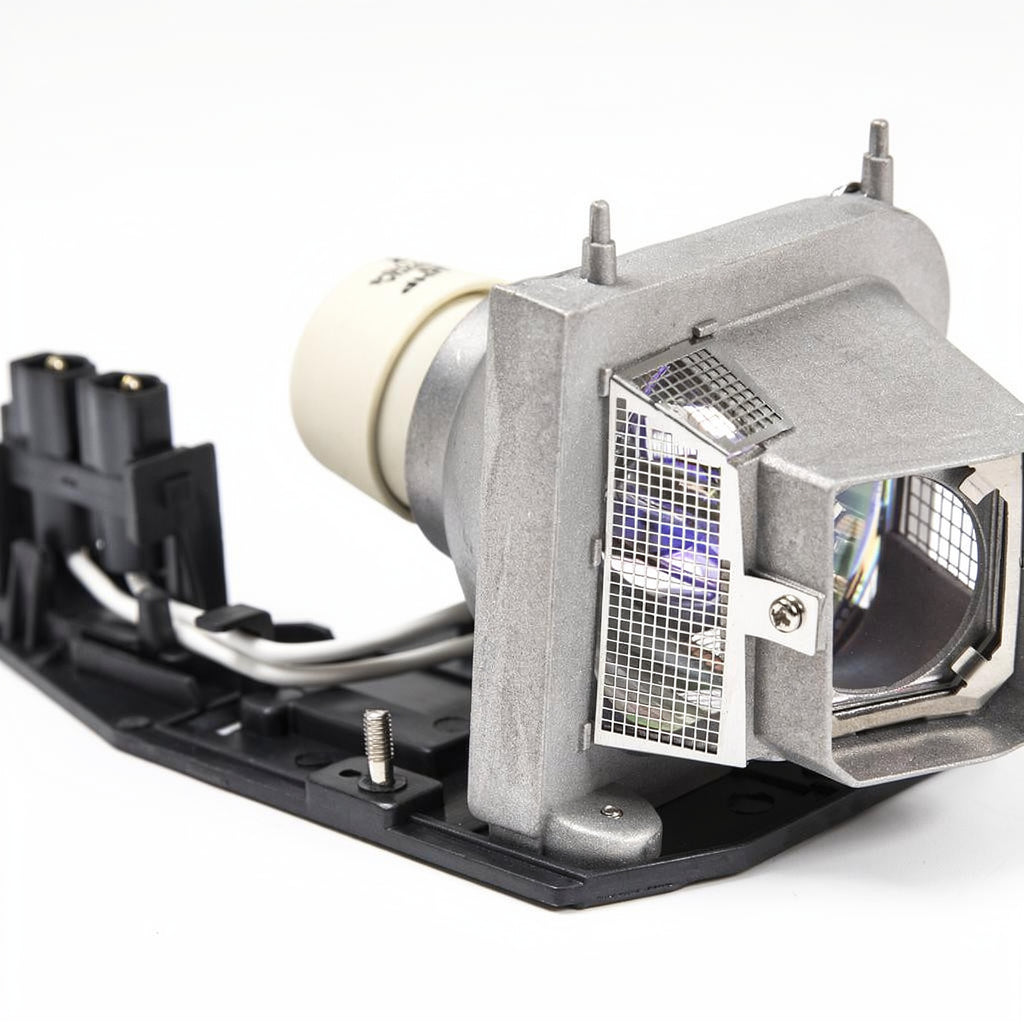
725-10120 projector lamp module
We confirm the delivered price for United Arab Emirates on a formal quote, including shipping, duties where we can prepay them, and the correct local warranty terms.
725-10120 is a 200-watt lamp module covering five Dell projectors: the 1409X, 1609HD, 1609WX, 1609X and NY353. Supplied as a full unit with the bulb already seated in its housing, it fits directly into the lamp bay without needing any parts moved across from the old assembly. It's rated for 3000 hours of use.
You may also see this part listed as 1209S or 311-8943, both of which are the same lamp under different reference codes. Because one module covers five separate Dell models, it's worth checking your projector's exact model number against the list above before ordering, particularly if you own the NY353 variant.
Identification
Electrical
Supply
Grouped by brand. Every model below takes this same lamp. Tap one for its model page.
The same physical lamp is sold under these codes. If the code on your old lamp, its housing or the manual matches any of them, this is the correct replacement.
180-day guarantee
If the lamp fails or dims badly within six months of delivery, choose a replacement or a full refund.
Fits, or the return is free
Order against your projector model. If it still doesn't fit, we pay the return label.
30-day returns
Unused lamps in original packaging, no restocking fee. Read the terms
Common questions.
Why does one lamp cover five different projector models?
Dell used the same 200-watt lamp assembly across the 1409X, 1609HD, 1609WX, 1609X and NY353 range, so a single module serves all five rather than each needing its own part. This is common where projectors share an internal design.
What is NY353 - a model name or a part reference?
It's listed here as a Dell projector reference alongside the 1609 series, and this lamp module fits it in the same way as the other four models on the list.
Are 1209S and 311-8943 different lamps or the same one?
They're the same lamp module as 725-10120, just recorded under different reference codes in various places over time. Any of the three numbers should bring up this exact listing when you search for it.
How do I confirm which of the five models I own?
The model name is usually printed on a label on the underside or rear panel of the projector, alongside a serial number. Matching that name against the list above is the most reliable way to check fit.
Will the projector's menu show a lamp warning until it's replaced?
Some Dell models keep showing a lamp-life warning after a bulb swap until the counter is cleared from the projector's menu, which is a separate step from physically fitting the module. Check your projector's manual for the exact menu path, as it varies by model.
Lamps often confused with this one.
All 57 Dell lamps →Codes in the same family often differ by a single character, so check the part number against your old lamp before ordering.