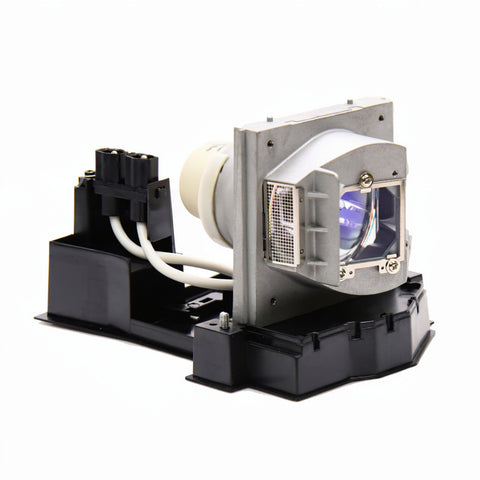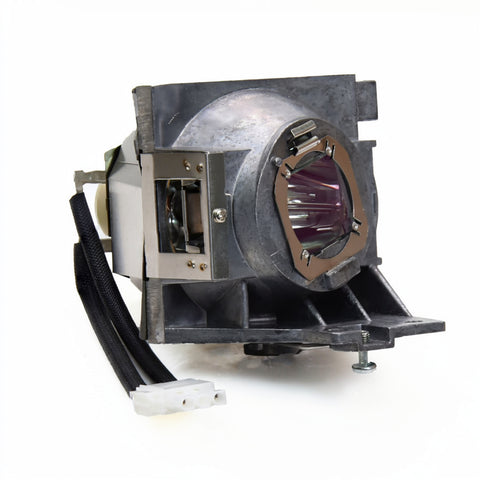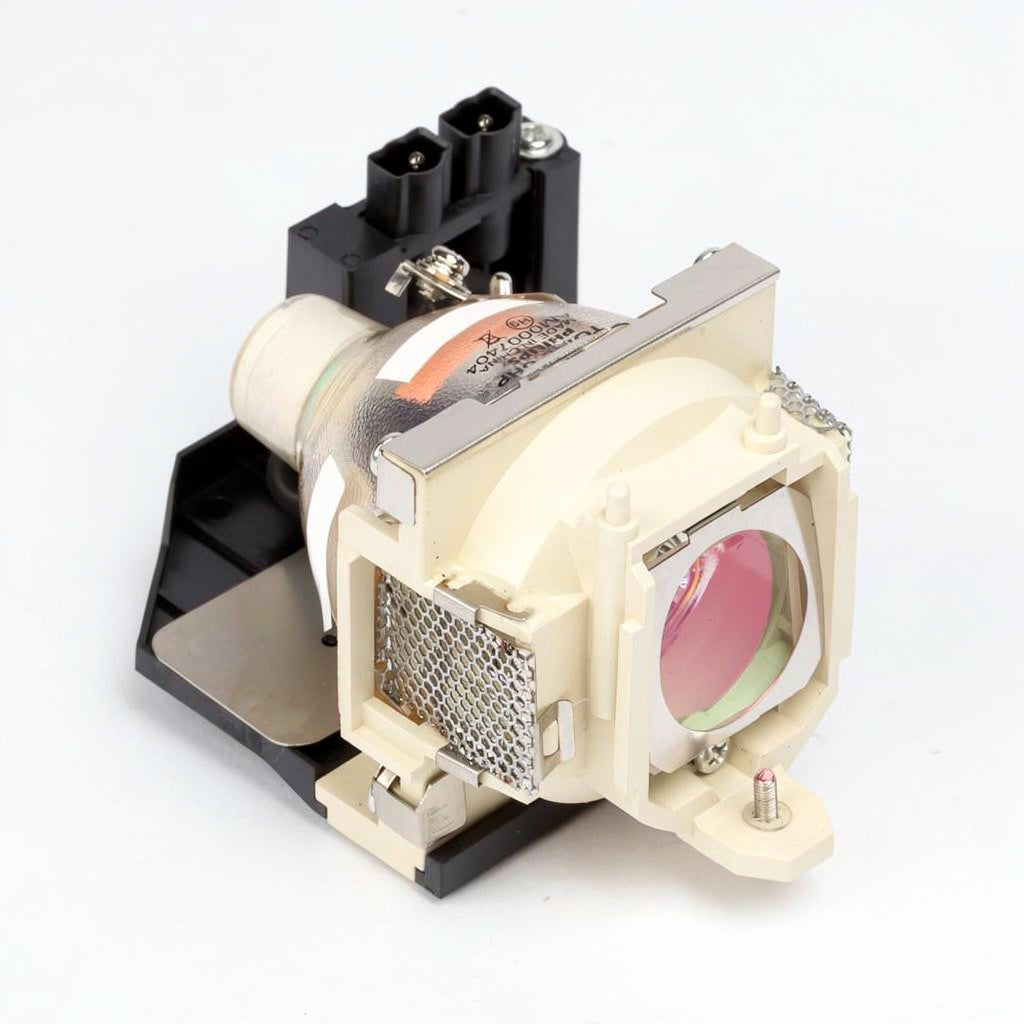
5J.J2H01.001 projector lamp, complete module
We confirm the delivered price for United Arab Emirates on a formal quote, including shipping, duties where we can prepay them, and the correct local warranty terms.
BenQ's PB8263 and PB8268 both take a 300-watt lamp rated for 2000 hours, part number 5J.J2H01.001, supplied here as a complete module with the housing already attached. Owners of either model can use this same listing, since the lamp specification doesn't differ between the two.
5J.J2H01.001 is its own recorded alternative code, so there's a single number to search against for this lamp. Buying the module means you won't need to open your existing housing at all, since the whole assembly lifts out and the new one drops straight in. At 300 watts, handle the new module carefully and let the old one cool fully before removing it, since the housing can retain heat.
Identification
Electrical
Supply
Grouped by brand. Every model below takes this same lamp. Tap one for its model page.
The same physical lamp is sold under these codes. If the code on your old lamp, its housing or the manual matches any of them, this is the correct replacement.
180-day guarantee
If the lamp fails or dims badly within six months of delivery, choose a replacement or a full refund.
Fits, or the return is free
Order against your projector model. If it still doesn't fit, we pay the return label.
30-day returns
Unused lamps in original packaging, no restocking fee. Read the terms
Common questions.
Do the PB8263 and PB8268 differ enough to need different lamps?
Not according to our compatibility data; both models are listed against the same 5J.J2H01.001 module, so a single part number correctly serves either projector without any variation.
Is 300 watts a high-powered lamp compared with others you stock?
It's towards the higher end of what we list for BenQ projectors; some smaller models use lamps closer to 150 or 185 watts, so 300W reflects a brighter, larger-venue projector like the PB8263 and PB8268.
What's involved in fitting this module myself?
Typically it means powering down and unplugging the projector, letting it cool, opening the lamp access panel, and swapping the old module for the new one, securing it with the same screws, always following your PB8263 or PB8268 manual for the specific steps.
Does the projector need any setting changed after I fit a new lamp?
Many BenQ projectors log lamp usage automatically and prompt for a reset in the on-screen menu once a new lamp is detected or installed; check your PB8263 or PB8268's menu system for a lamp-related option.
Are there signs I should watch for that suggest the 2000-hour life is nearly up?
A gradually dimmer or slightly yellow-tinted image, occasional flickering, or an on-screen lamp warning are the usual signs, though exact timing depends on how heavily the projector has been used.
Lamps often confused with this one.
All 302 Benq lamps →Codes in the same family often differ by a single character, so check the part number against your old lamp before ordering.